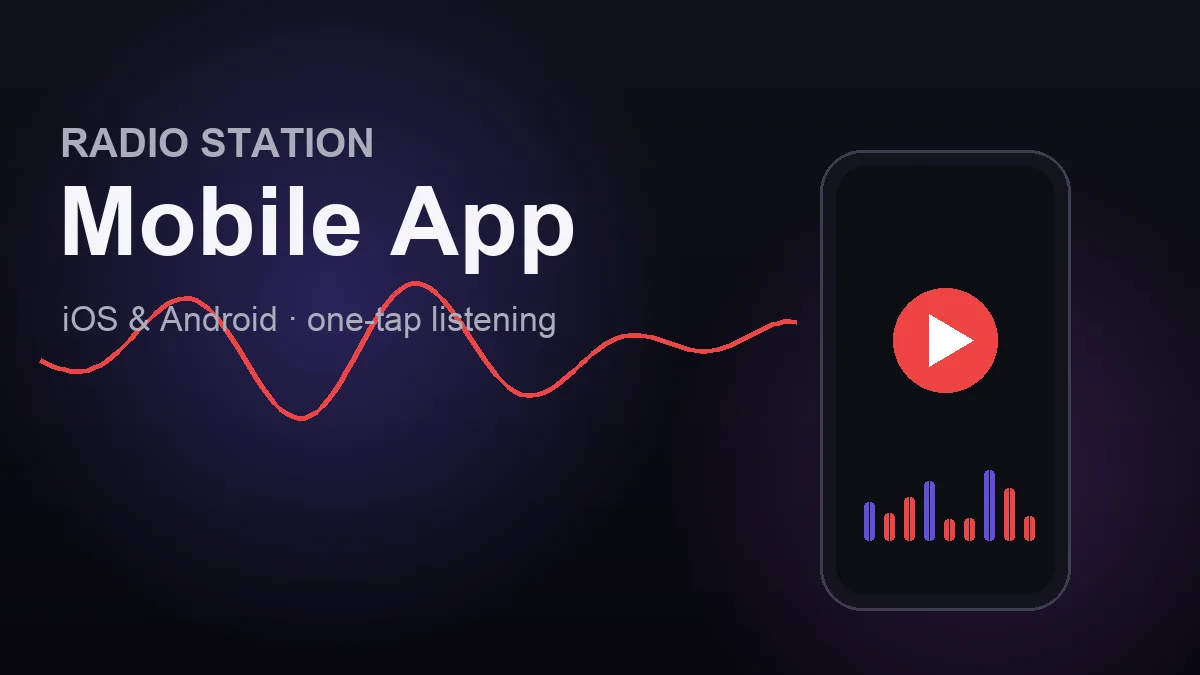
How to Get a Mobile App for Your Radio Station (2026 Guide)
Your most loyal listeners don't want to open a browser, type your URL, and hunt for the play button every time they want to tune in. They want a tap on their home screen. A dedicated radio station mobile app gives them exactly that — your logo on their phone, instant live playback, and a direct line to your station that no algorithm can bury.
This guide covers why an app matters, what a good one should include, and the simplest way to get a professional iOS and Android app built for your station without hiring a developer or learning to code.
If you're still deciding between an app and a mobile-friendly website, start with our companion guide on the radio station mobile app vs. website trade-offs, then come back here when you're ready to build.
Why your radio station needs its own app
A mobile app isn't a vanity project. For a station competing with podcasts, playlists, and every other audio option on a listener's phone, it's a retention tool.
- One-tap listening. No URL, no search — your icon sits on the home screen next to Spotify and YouTube.
- Background playback. Listeners keep your stream going while they use other apps or lock their phone.
- You own the relationship. Unlike social media, an app audience can't be throttled by a platform's feed changes.
- Credibility. "Search for us on the App Store" signals that your station is the real deal.
For community and independent stations especially, an app gives your regular listeners a quicker way back to you than a browser bookmark.
What a great radio station app includes
Not all station apps are equal. A good one feels purpose-built, not like a website crammed into a phone frame. At a minimum it should offer:
- Reliable live stream playback with your station's logo, colors, and app icon.
- Now-playing info — the current track title and artist where your stream provides it.
- Background audio so listening survives a screen lock or app switch.
- Your programming — schedule, shows, presenters and podcasts — not just a play button.
- A clean, fast experience on both iOS (App Store) and Android (Google Play).
Anything beyond that is a bonus, but the essentials above are what actually keep people listening.
Build it yourself vs. done-for-you
You have three realistic options:
- DIY app builders. Generic platforms exist, usually on a subscription, and they vary in how well they handle radio-specific needs like stream metadata and background audio.
- Hire a freelance developer. Custom work is quoted per project and needs ongoing maintenance as the iOS and Android platforms change — usually more than an independent station needs.
- A done-for-you radio app service. You provide your stream and branding; a specialist builds, configures, and submits the app for you. This is the sweet spot for independent stations: professional result, no code, predictable one-time cost.
That third option is what we offer.
Get a custom radio app built for $99 per platform
We build branded mobile apps for radio stations. The pricing is simple: $99 (+ tax) per platform, as a one-time fee. iOS and Android are priced separately, so you can launch on one platform or both.
The app is built from your RadioSiteMaker station: it reads your schedule, shows, DJs and podcasts from your station site, so updating your website updates the app. Your stream itself can stay with any stream host.
Here's exactly what's included with each app we build:
- A branded native app with your station's name, colors, app icon, and splash screen
- A live player for your stream with the current track and artist, refreshed every 15 seconds
- Background playback, so the stream keeps playing when the listener switches apps or locks the phone
- Schedule, Shows, DJs and Podcasts screens, read from your RadioSiteMaker station, plus an About screen with your station's story and links
- Full store listing setup and submission to the App Store (iOS) or Google Play (Android)
- A one-time build fee with no recurring charge for the app itself
Not included, so you can plan around it: push notifications, CarPlay and Android Auto.
What else you need: an active RadioSiteMaker website ($99/year + tax), because that's where the app gets its content, and developer accounts that you own. Apple's Developer Program is $99[1] per year and Google Play's registration is a one-time $25[2]. These are paid directly to Apple and Google (not to us), and we'll walk you through setting them up. The accounts stay in your name so you always control your apps.
Ready to start, or want the full checklist first? See radio station mobile apps for what we need from you and to send a request. Nothing is charged until you agree to go ahead.
How the process works
- Send a request from the station app page with your station name, stream URL, and which platforms you want.
- Create your developer accounts — Apple, Google or both — and invite us to manage the app listing. Send your app icon and brand colors.
- We build and configure the app from your RadioSiteMaker station, wire up your live stream and now-playing data, and prepare the store listing.
- You review a test build and request any tweaks.
- We submit to the App Store and/or Google Play. Apple and Google review the app, set the timing, and can ask for changes; we handle any resubmission.
Frequently Asked Questions
How much does a radio station mobile app cost?
Our build fee is $99 (+ tax) per platform as a one-time charge. iOS and Android are separate, so a station launching on both platforms pays $99 for each. The app reads its content from your RadioSiteMaker website, which is $99/year + tax. The store developer accounts you own are paid directly to the stores: Apple $99 per year, Google $25 once.
Do I need to know how to code?
No. You provide your stream URL and branding and create the store accounts; we build, configure, and submit the app for you.
Can listeners keep the stream playing in the background?
Yes. Every app we build keeps playing in the background, so listening continues when the phone is locked or the listener switches apps.
Will the app show what's currently playing?
Yes, where your stream provides that data. The app shows the current track title and artist and refreshes it every 15 seconds.
Does my stream have to be hosted by RadioSiteMaker?
No. The app is built from your RadioSiteMaker station's content, but the stream can come from any host, as long as it's an HTTPS stream in a format phones can play (MP3, AAC or HLS).
Should I get an app or just a mobile-friendly website?
Both have a place. A website is essential and reaches everyone instantly; an app deepens loyalty with your most dedicated listeners through one-tap access and instant playback. Read our full breakdown in radio station mobile app vs. website.
Can I launch on just one platform?
Absolutely. You can start with the platform most of your audience uses and add the second later. Each platform is priced independently at $99 (+ tax).
Sources and verification
Competitor prices and limits change often. Each figure above was checked on the date shown against the vendor's own page. Prices exclude tax unless stated.
- Apple · Individual / Organization: Apple Developer Program annual fee — $99 (annual). Source, checked 2026-11-05. Prices may vary by region; fee waivers possible for eligible nonprofits/education/government.
- Google · n/a: Google Play developer registration fee — $25 (one-time). Source, checked 2026-11-05
Get iOS and Android apps for your station
We build and submit native apps that play your existing stream. Tell us about your station and we will reply with the requirements and next steps.

Founder of RadioSiteMaker. Passionate about making professional radio station websites accessible to every broadcaster. Builds and runs the RadioSiteMaker website platform and RadioHost Studio, the browser-based 24/7 automation suite, and writes these guides from that day-to-day work with independent stations.
Frederick → LinkedInGet radio station tips in your inbox
Free guides on growing your audience, building your website, and running a better station. No spam, unsubscribe anytime.
Related Articles
Does Your Radio Station Need a Mobile App or Just a Great Website?
Mobile app vs mobile website for radio stations. Cost comparison, pros and cons, and why a great mobile website might be all you need.
How to Get Your Radio Station on Alexa in 2026 (Custom Skill Guide)
Put your radio station on Amazon Alexa so listeners can say 'Alexa, play [your station]'. What a custom Alexa skill includes, Amazon's requirements and certification, and the $99 done-for-you option.
Radio Player Not Working? Fixes for Streams, Now-Playing and Autoplay
Why a radio station's website player won't play, shows no song titles, won't autoplay, stops between pages or drops in the background, and how to fix each one.